
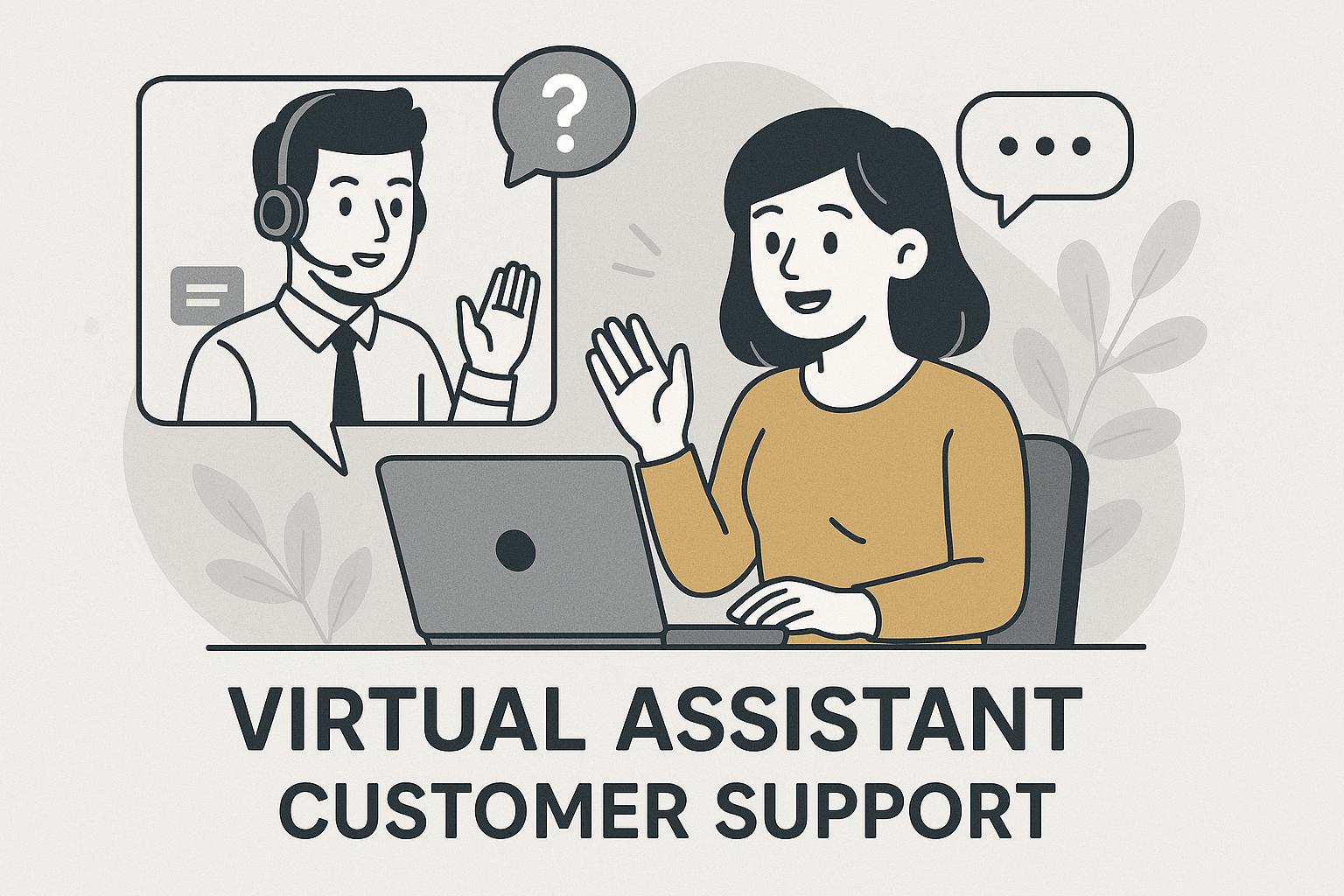
8 Ways to Use a Virtual Assistant for Customer Support
For growing businesses, maintaining responsive and effective customer support can be a real challenge. Founders and operators often juggle multiple roles, making it tough to keep up with customer inquiries, support tickets, and feedback. Hiring full-time support staff may not be practical, especially when volume fluctuates. This is where a virtual assistant for customer support can help you scale efficiently—without sacrificing quality.
Why Consider Virtual Assistants for Customer Support?
Virtual assistants (VAs) offer flexible, cost-effective solutions for managing customer interactions. By delegating repetitive or time-consuming support tasks to a skilled VA, you free up your core team to focus on higher-level strategy and growth. For SMBs and startups, leveraging virtual assistants—sometimes as part of a wider fractional leadership hiring strategy—can be a game-changer.
8 Practical Ways to Use a Virtual Assistant for Customer Support
- Handling Support Tickets
- VAs can triage, categorize, and assign tickets based on urgency or topic.
- This ensures customers get faster responses and critical issues are prioritized.
- Live Chat & Messaging
- Monitor chat widgets and respond to FAQs in real time.
- Escalate complex issues to your in-house team or a fractional executive as needed.
- Inbox Management
- Sort and route customer emails, filter spam, and flag urgent requests.
- Draft template-based responses for common inquiries.
- Knowledge Base Updates
- Update FAQs and help docs based on recurring questions from customers.
- Ensure information is always current and accurate.
- Survey & Feedback Collection
- Send post-interaction surveys and collect feedback for continuous improvement.
- Compile responses for your leadership team to review.
- Order Tracking & Status Updates
- Assist customers with order status, returns, and delivery questions.
- Reduce workload for sales and operations teams.
- Appointment Scheduling
- Coordinate demo calls, support sessions, or follow-ups without back-and-forth emails.
- Escalation & Reporting
- Recognize when issues need higher-level attention and escalate accordingly.
- Prepare weekly or monthly customer support reports for your fractional leaders or managers.
Best Practices for Onboarding a Virtual Assistant
- Define clear roles, responsibilities, and performance metrics.
- Provide access to support tools (e.g., helpdesk software, shared inbox).
- Offer training on your products, brand voice, and escalation protocols.
- Schedule regular check-ins to review progress and gather feedback.
For more on finding and onboarding top-tier support talent, see our hiring best practices.
FAQ: Virtual Assistant Customer Support
- What skills should a virtual assistant for customer support have?
- Look for strong communication, tech savviness, problem-solving, and experience with customer support tools. A customer-first mindset is essential.
- How do I decide between hiring a VA or a full-time customer support agent?
- If your support volume is variable or you need flexibility, a VA is ideal. For steady, high-volume support, a full-time hire may be better. Fractional support bridges the gap.
- What tools help virtual assistants manage customer support?
- Popular options include Zendesk, Freshdesk, Intercom, and shared inboxes like Gmail or Outlook. See G2’s Help Desk Software list for more.
- How can I ensure my VA represents my brand well?
- Provide clear training, brand guidelines, and sample responses. Set up regular feedback sessions and monitor quality closely during onboarding.
- Can a VA support multiple channels (email, chat, phone)?
- Yes—many VAs are skilled at multitasking across channels. Define expectations and provide tools to streamline their workflow.
Build a Scalable Support Team with Fractional Talent
Leveraging a virtual assistant for customer support can help your business stay responsive as you grow—without overcommitting to full-time hires. If you’re exploring fractional support or executive leadership, connect with Your Neo Gig to learn how our vetted talent pool can help you scale smartly and cost-effectively.