Why Virtual Assistants Are Essential for Remote Teams
Remote work has unlocked freedom and flexibility, but it also brings unique productivity hurdles. From juggling time zones to managing endless notifications, distributed teams can easily feel overwhelmed. The rise of AI-powered virtual assistants (VAs) offers a practical solution—helping remote teams stay focused, organized, and ahead of the curve.
How Virtual Assistants Empower Remote Teams
Virtual assistants aren’t just about scheduling meetings or filtering emails. Today’s VAs, especially those enhanced by AI, act as productivity multipliers for remote teams. Here’s how:
- Automate Busywork: VAs handle repetitive tasks—like data entry, inbox sorting, and calendar coordination—freeing up your team for strategic work.
- Bridge Communication Gaps: With asynchronous collaboration, VAs can summarize threads, flag urgent messages, or even manage follow-ups so nothing falls through the cracks.
- On-Demand Support: Whether it’s research, travel booking, or preparing reports, VAs are on hand (and on time) to support distributed teams across time zones.
- Prompt Engineering for Efficiency: The best VAs leverage prompt engineering—using precise, strategic instructions to get the most accurate and helpful AI outputs.
Prompt Engineering: The Secret Sauce for VA Productivity
To maximize virtual assistant benefits, remote teams should master the art of prompt engineering. Well-crafted prompts yield better AI results, faster. Here’s a quick framework:
| Prompting Tip | Example |
|---|---|
| Be Specific | “Summarize this 5-paragraph email in 2 bullet points.” |
| Set a Tone or Style | “Draft a friendly reminder for our project team.” |
| Define Output Format | “List action items as a checklist.” |
| Give Context | “Prepare a status update for stakeholders unfamiliar with the project.” |
Want more prompt strategies? Explore our Prompt Library at Your Neo Gig for ready-to-use examples tailored for remote teams.
Best Practices for Integrating Virtual Assistants
- Start Small: Assign routine, low-risk tasks and gradually expand the VA’s role.
- Document Workflows: Use clear process docs or SOPs to help VAs—and your team—stay aligned.
- Review and Refine: Regularly assess VA performance and improve your prompt strategies.
For more practical tips, check out our guide on AI Productivity Hacks.
Frequently Asked Questions
- What are the main virtual assistant benefits for remote teams?
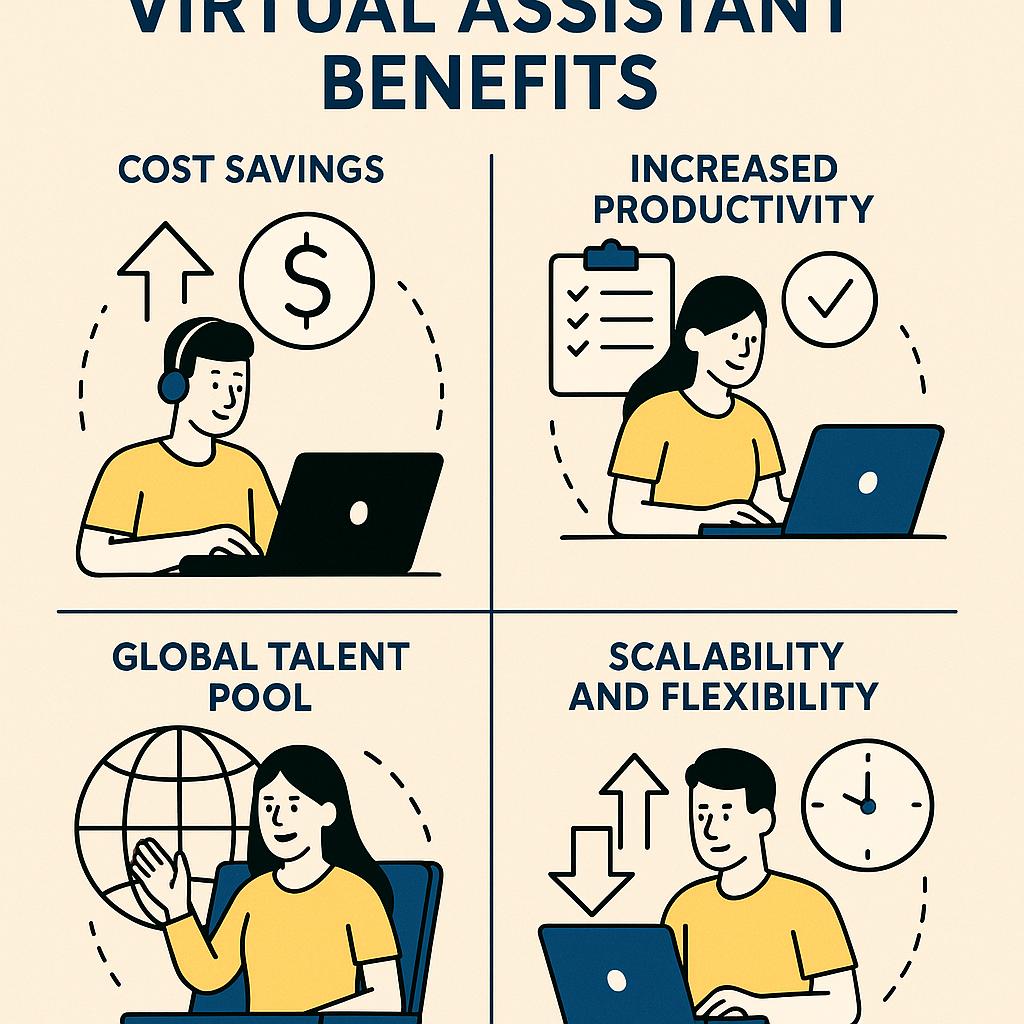
- Virtual assistants automate repetitive tasks, streamline communication, and provide 24/7 support, boosting productivity for distributed teams.
- How can prompt engineering improve my VA’s performance?
- Well-designed prompts ensure AI-powered VAs deliver precise, actionable results, saving time and avoiding misunderstandings.
- Are virtual assistants secure for business tasks?
- When you choose trusted VA providers and follow best security practices, VAs can safely handle sensitive business information. Review AI security guidelines to stay informed.
- What types of tasks should I delegate to a VA?
- Start with repetitive, admin work—like inbox management, scheduling, or research. As trust builds, delegate more specialized projects.
- How do I measure the ROI of using a virtual assistant?
- Track time saved, improved response rates, and productivity metrics. Many teams see a positive ROI within the first few months. For benchmarks, see Gartner’s remote work insights.
Unlock Your Remote Team’s Potential
Virtual assistants are transforming how remote teams work—automating the mundane so your people can focus on what matters. If you’re ready to streamline your workflows and maximize productivity, explore Your Neo Gig’s services for custom solutions and expert guidance.